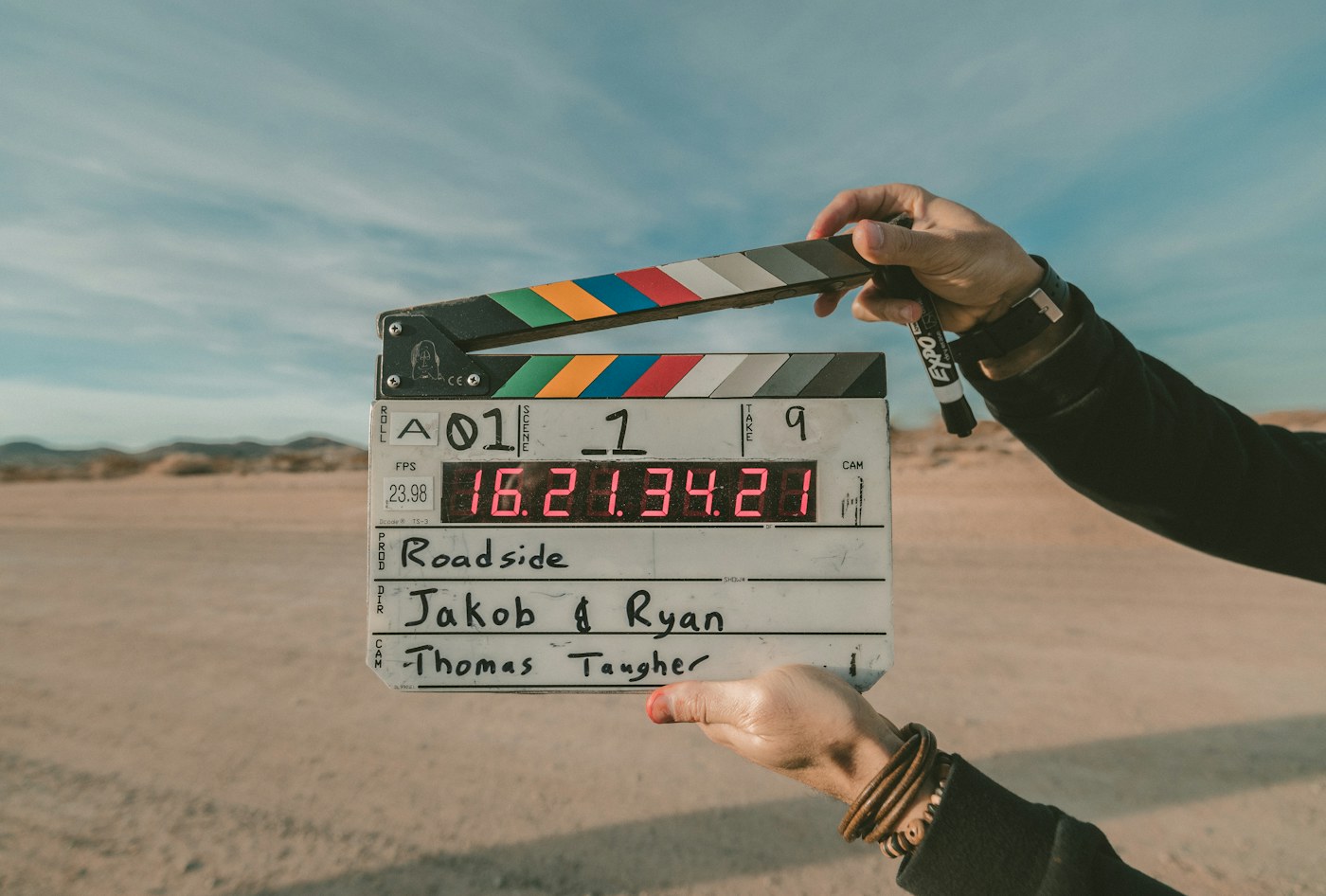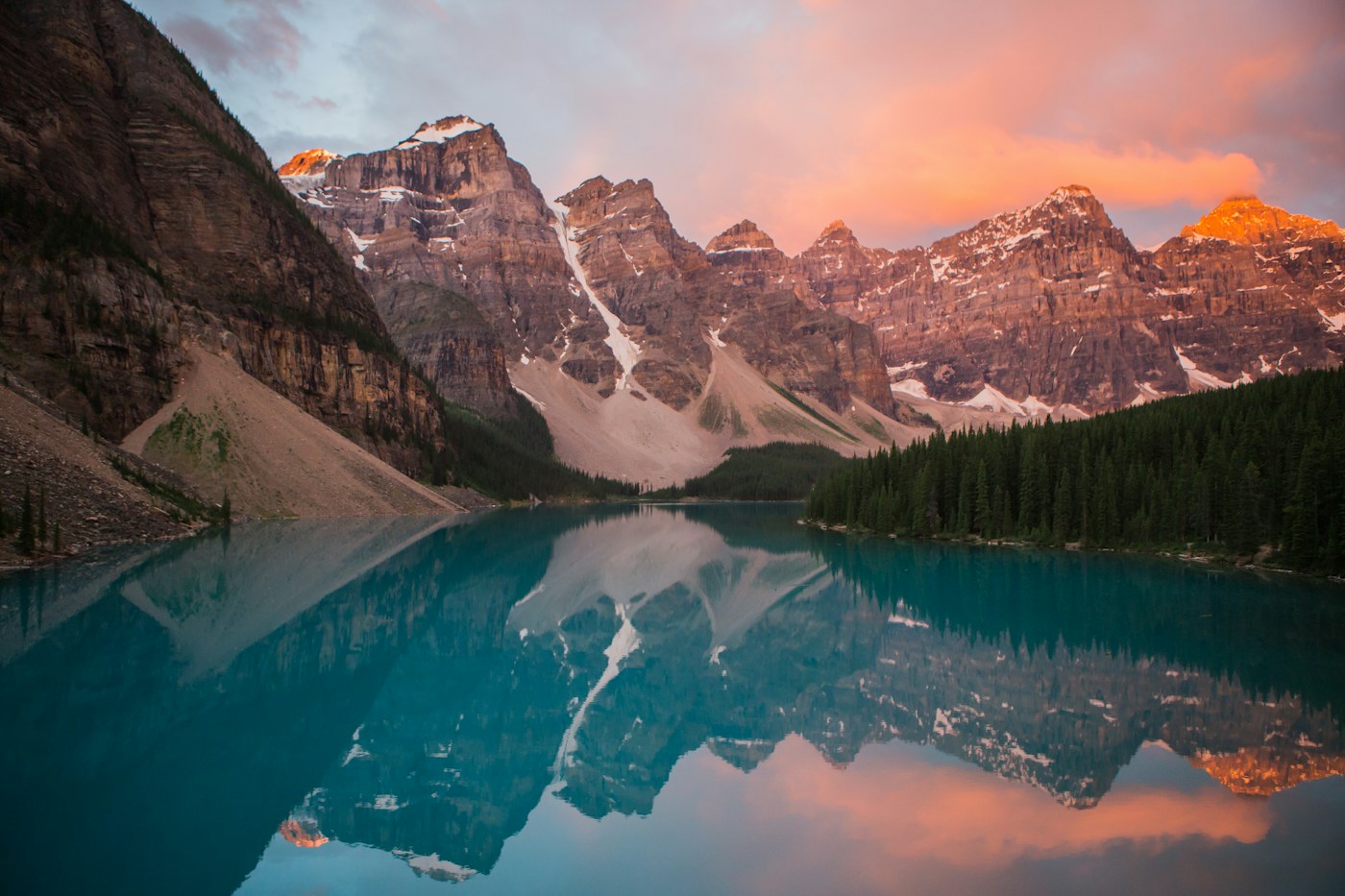
An image can be beautiful and still be the wrong starting point for a shot. The useful question is not simply whether the image looks good. It is whether its composition supports the movement you want to create.
Always use images you own or have permission to use. If a person is involved, make sure you have the necessary consent for the intended use.
Decide what must remain recognizable
Choose the important element before choosing the image. It might be a subject, an object or the geometry of a location. Look for a frame where that element is visible without needing to infer what is outside the crop.
Avoid treating a large file as proof of quality. A high-resolution image can still contain motion blur, compression artifacts or an unclear subject.
Leave room for the action
Imagine the first and last moments of the shot. If the subject needs to move to the right, a tight crop on that side may fight the intended composition. If the camera is meant to reveal a place, a wider reference may better convey the layout you have in mind.
This is a planning principle, not a promise about how a model reconstructs areas outside an image. Different tools have different limits.
Read the light before adding a style
Notice where the brightest area sits and where shadows hide detail. A prompt asking for a bright daytime scene may conflict with a deeply shadowed starting image. Decide whether the image or the prompt should lead.
Use a simple checklist:
- The important subject is visible.
- The framing supports the intended movement.
- The lighting does not hide essential detail.
- You have the right to use the image.
Keep comparisons simple
Try the same direction with two different references, keeping other settings consistent where the tool permits it. Compare framing and readability first. Do not assume every difference was caused by the image alone.
A clear starting frame does not remove uncertainty, but it gives you a better question to ask of the result: did this shot preserve what mattered?